

Enterprise Asset Management
Manage the asset register, preventive and corrective maintenance, work orders, labor, contracts, materials, purchasing and cost history.

Browse by topic
Latest from Diginine
Insights, case studies and updates from the Diginine team.
Service lines
Solutions
Show all solutions Solution
Saka Blancverse
Sales, stock, finance and marketing, plus an AI agent on WhatsApp, in one workspace. Explore solution
 Solution
Salesforce
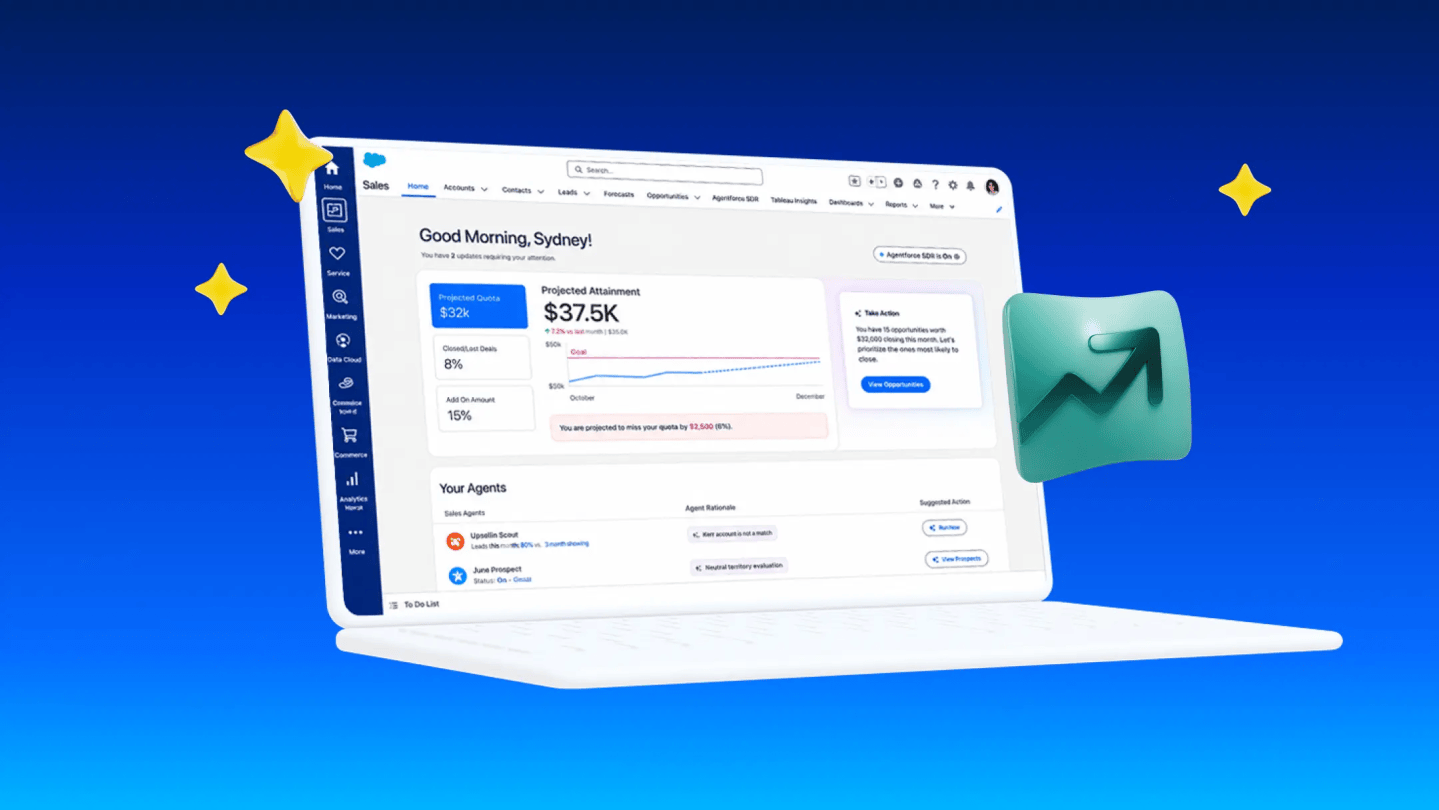
One customer platform for sales, service, marketing and data, with AI agents built in. Explore solution
 Solution
Mendix
Build governed enterprise applications faster, from the first workflow to a reusable digital… Explore solution
One accountable partner, from strategy to operations.

 MaximoApplication Suite
Bring asset data, maintenance work, equipment condition, inspections, spare parts and risk onto one platform. Diginine helps you start with your most critical assets, then grow on a healthy data foundation.

IBM Maximo Application Suite is a set of applications for managing the whole lifecycle of physical assets: from the moment an asset is recorded and maintained, through monitoring its condition and predicting its risk, to deciding when it should be repaired, life-extended or replaced.
The platform connects Enterprise Asset Management (EAM) for daily work with Asset Performance Management (APM) for asset health and reliability. Because the history of work orders, inspections, meters, sensors, materials, labor and cost sits in the same context, operations teams no longer decide from separate spreadsheets.
Maximo suits organizations whose assets are high in value or costly when they stop: power plants, utility networks, factories, port terminals, rail fleets, buildings, hospitals and data centers.
Maximo brings together three layers of decision-making that usually run on their own.
Manage the asset register, preventive and corrective maintenance, work orders, labor, contracts, materials, purchasing and cost history.
Use telemetry, inspections, health scores, analytics and AI to detect anomalies and rank risks before they become outages.
Link condition, criticality, risk and cost so repair, refurbish or replace decisions are easier to justify.
Start with Manage as the EAM foundation, then switch on other capabilities as your processes and data are ready.
Core EAM for assets, locations, work orders, preventive maintenance, inspections, inventory, procurement, labor, contracts, service requests and costing.
Near real-time visibility into condition from IoT data, operational dashboards, rule and anomaly detection, and alerts that can flow into work in Manage.
Health scores, criticality, consequence and a risk matrix to rank the assets that most need attention and action.
Predictive models that read anomaly trends, failure probability, remaining useful life and the right time to intervene.
Computer vision that spots defects or unsafe conditions in photos and video, including inference at the edge or on mobile devices.
Run work orders, inspections, meter readings, photos, materials and sign-off from the field, with offline working patterns and technician scheduling.
Manage buildings, spaces, leases, facility maintenance, energy and occupant experience in one portfolio.
Remote knowledge and assistance so technicians can find procedures, collaborate and finish work more consistently.
Balance spare-part availability against working capital through analysis of demand, criticality, lead time and service level.
Maximo Application Suite runs on Red Hat OpenShift, so applications share consistent identity, navigation, administration and platform services. It can be consumed as an IBM SaaS service or managed in an environment that meets your organization's requirements.
Data from PLCs, SCADA, historians, IoT sensors, ERP, GIS, procurement and other systems can be brought into the asset context through APIs and enterprise integration patterns. In Maximo 9.2, IBM also extends AI to condition insight, conversational scheduling, a mobile assistant, incident classification, document RAG and agent connections through an MCP server.
IBM Maximo 9.2 brings AI closer to the people who plan, execute and review asset work.
Maximo Condition Insight combines work orders, inspections, meter readings and reliability strategies to find patterns in asset behavior and suggest the next step.
Analysts can review findings in the context of asset history instead of moving data by hand into another analytics tool.
A mobile assistant lets technicians ask questions in everyday language to find asset information, read history and complete work.
Visual Inspection can run inference on the device, so visual findings can be recorded at the point of work.
Planners can try scheduling scenarios through conversation: what happens if technician capacity changes, critical work goes first or an outage moves.
The planner still validates the result, but the time spent comparing scenarios can be cut.
Incident reporting and permit-to-work can be done from mobile. AI helps suggest an incident classification and find similar events, so investigations have fuller context.
Retrieval-augmented generation (RAG) is used to extract lease information and is directed at other documents such as manufacturer manuals, inspection procedures and technical instructions.
Source content and access control remain the foundation of answers you can trust.
An MCP server lets organizations connect agents they build themselves to the Maximo Manage APIs. This opens new automation without separating agents from the data, rules and authorization in the core system.
The way of working adapts to the critical assets, risks, regulations and operating rhythm of each industry.
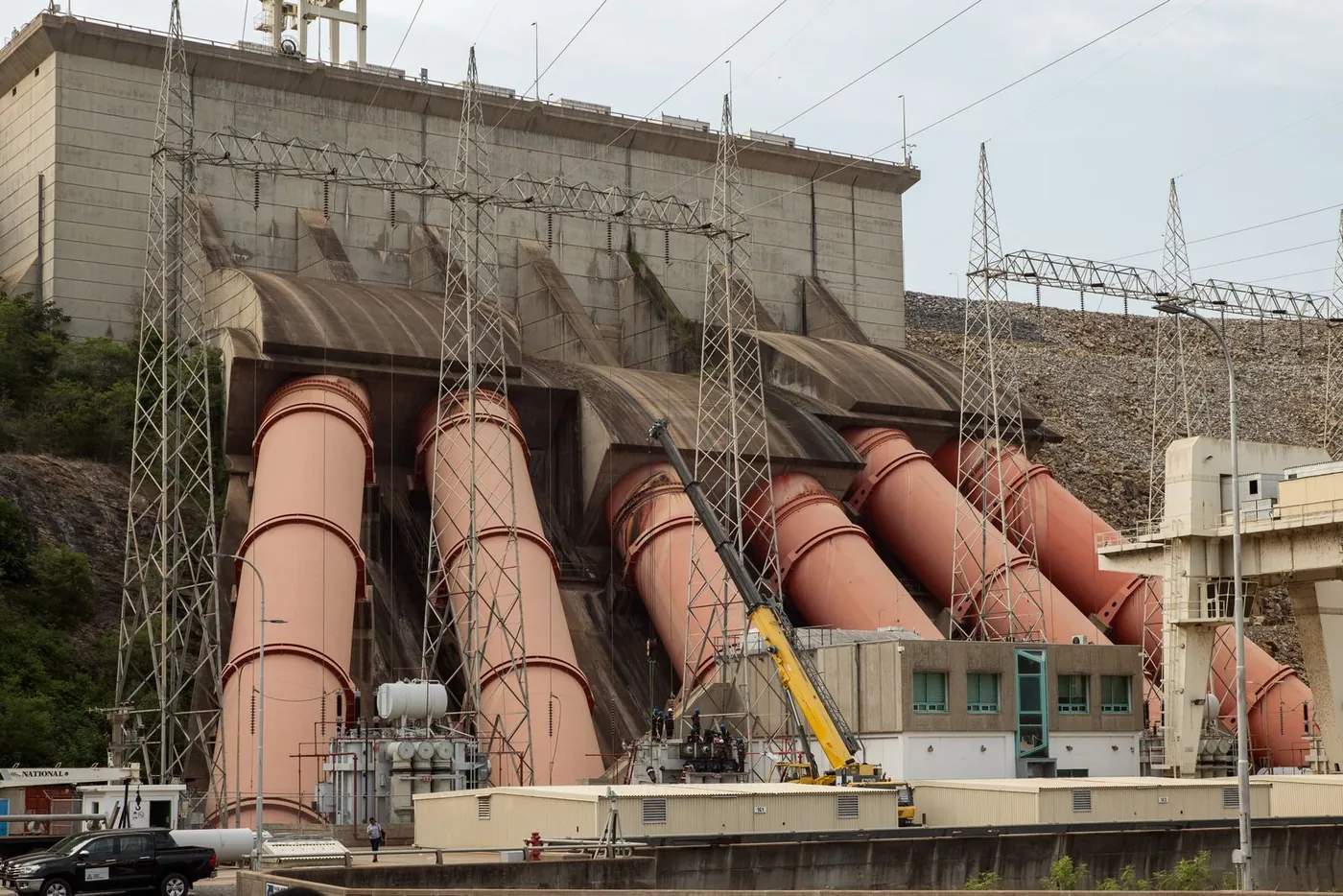
Assets: turbines, generators, boilers, transformers, balance of plant and safety equipment.
Workflows: preventive maintenance by operating hours; condition monitoring from vibration, temperature and oil analysis; outage planning; permit-to-work; failure history; and critical-spare availability.
Operational value: teams can prioritize work by criticality and actual condition while seeing the cost and production consequences. VPI in the UK is one of IBM's public references for Maximo across four power stations.

Assets: ship-to-shore cranes, RTG/RMG, automated stacking cranes, terminal tractors, conveyors, tugboats and terminal utilities.
Workflows: shift inspections, defect reporting from mobile, meters and telemetry, crane health scores, maintenance scheduled between vessel windows, workshop management and long-lead spare parts.
Operational value: the condition of cargo-handling equipment can be tied to backlog and the operating schedule. DP World Jebel Ali is IBM's public example of using asset health data at a port terminal.

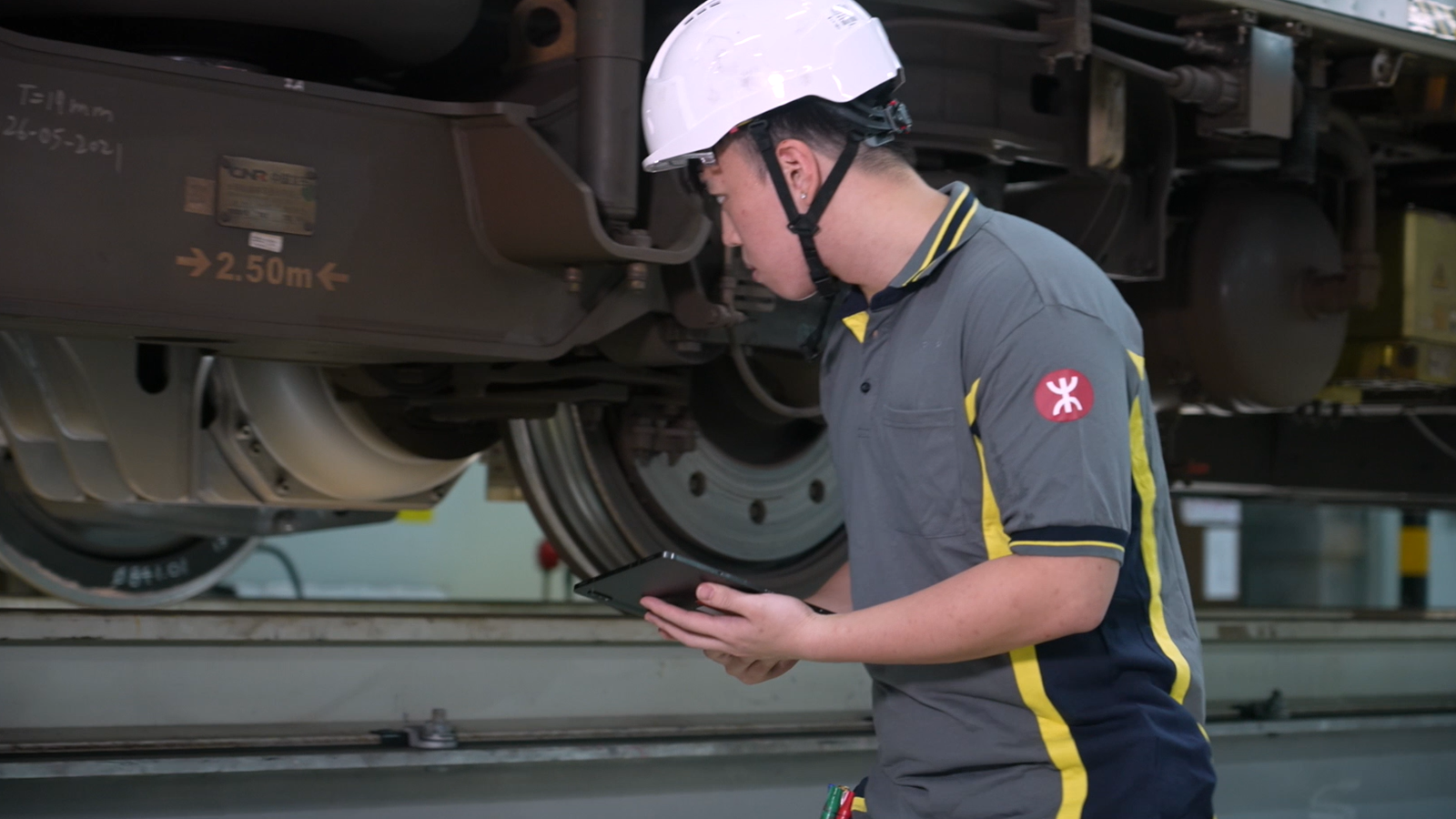
Assets: rolling stock, track, signalling, traction power, platform screen doors, fare collection, escalators, lifts, depots and stations.
Workflows: route-based inspections, fault-to-work-order, mileage- or condition-based maintenance, possession planning, mobile execution, configuration history and control of safety-critical work.
Operational value: one asset history supports the rolling stock, wayside, power and station facilities teams. IBM publishes references from MTR Hong Kong, Transport for London, SBS Transit and other rail operators.
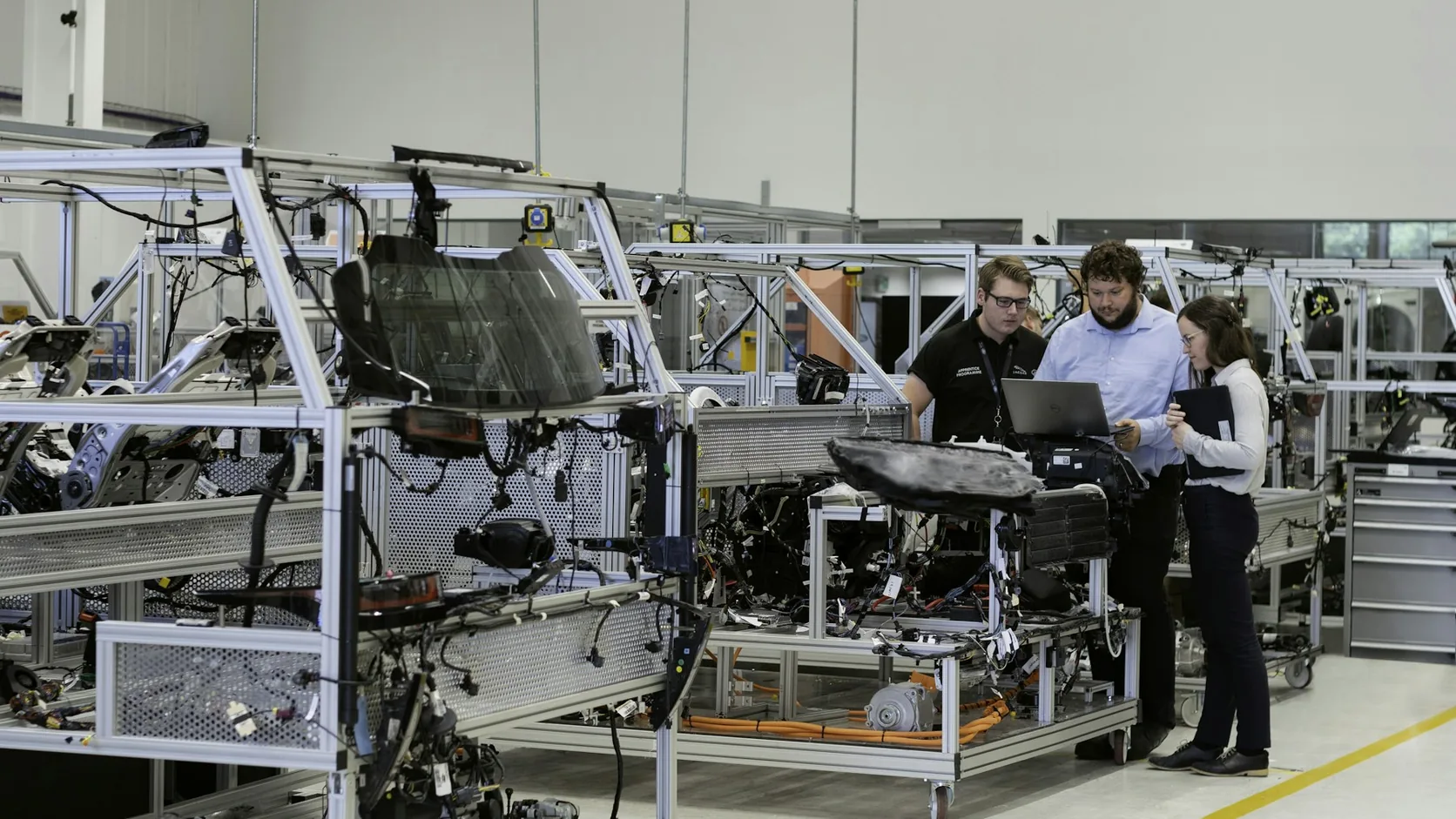
Assets: production lines, robots, presses, CNC machines, compressors, chillers, material handling and quality equipment.
Workflows: downtime coding, autonomous inspection, condition monitoring, calibration, planned shutdowns, labor planning and integration with ERP or MES.
Operational value: maintenance and production work from the same priorities, with failure data tidy enough for reliability and predictive-maintenance programs.
Maximo's value appears when the system truly becomes the daily way of working, not just a place to log work after it is done.
The backlog is ranked by criticality, condition, risk and operational impact, not just by how old a work order is.
Technicians get history, procedures, materials and inspection evidence at the point of work, even with limited connectivity.
Maintenance demand, lead time and criticality give a firmer basis for stock levels and material reservations.
A record of condition, cost, work and risk makes repair-or-replace recommendations easier to trace.
We do not recommend loading every asset at once. A healthy program starts with a scope small enough to prove, yet important enough to matter.
Map business goals, current processes, source systems, data quality and roughly 20 to 50 of your most critical assets for the pilot.
Design the asset hierarchy, locations, failure codes, work types, priorities, status flow, security roles, KPIs and data ownership.
Configure Manage, mobile, inspections, workflows, notifications, reports and additional modules for the priority use cases.
Connect ERP, procurement, warehouse, GIS, SCADA/historian, IoT, HR, identity or other platforms with integration patterns you can monitor.
Test end to end with planners, supervisors, technicians, storekeepers and reliability engineers, and refine the process from real use.
Extend to the next areas and assets, measure data quality and adoption, then switch on health, predict, visual inspection or further optimization once the foundation is ready.
Diginine helps bridge business needs, maintenance processes, asset data, integration and the user experience in the field. Our focus is not just making the application log in, but making sure planners get a backlog they can prioritize and technicians have the right information when they stand in front of the asset.
An engagement can start with an assessment, a pilot on one site or one asset class, modernization of an existing Maximo, or operational support after go-live.
No. Maximo delivers most value when an organization has many assets, complex maintenance processes, or high risk when assets stop. Beyond energy, manufacturing and transportation, IBM also offers capabilities for buildings, facilities, real estate, IT assets and data centers.
Usually Maximo Manage is the foundation, because the asset register, work orders, preventive maintenance, inventory and cost history live there. Monitor, Health, Predict, Visual Inspection or Inventory Optimization are added based on the priority problems and how ready your data is.
Yes. Common integration patterns cover finance, purchasing, inventory, vendors, HR, projects and master data. The detailed design depends on the system of record, transaction volume, near real-time needs and reconciliation controls.
Maximo Mobile is designed for field work and supports offline scenarios. The scope of synchronized data, conflict handling, device security and sync habits still need to be designed and tested in real field conditions.
Not automatically. The quality of the asset hierarchy, failure codes, meters, work closure and condition history largely decides the outcome. AI should be applied alongside a data-improvement program and process discipline, starting with the use cases whose data is most ready.
IBM offers consumption as SaaS and an option managed by the organization on a qualifying Red Hat OpenShift environment. The architecture choice should weigh security, integration, platform operations capability, regulation and total cost.
Modernization should begin with an assessment of customizations, integrations, add-ons, data volume, reports, mobile and processes that are no longer relevant. The aim is not to carry over every old customization, but to keep the business needs that still matter within a cleaner suite design.
Duration depends on scope, data quality, integrations and key-user availability. A pilot of one area with core processes and a limited set of assets can be planned far more predictably than a big-bang rollout. After a short assessment we can set out scope, milestones, assumptions and team needs realistically.
Tell us about your operations, the systems you already use and your goals. We will help define a starting point for Maximo that is sensible to prove.
Talk to Diginine
Diginine delivers integrated IT solutions from consulting and system implementation to fully managed services.